Improve the design
Make the app feel as comfortable as the iPhone apps you already use.
Improve readability and the main journey without adding clutter.
Let’s do this
- 1In Codex
Choose one screen to improve
Run the app and look at it as a new user. Can you tell what it does and what to tap next? Pick the most confusing screen first.
- 2In Codex
Describe the change in ordinary words
Try “Make the main action easier to find”, “Give the text more breathing room” or “Use a familiar iPhone list”. You can attach a screenshot of your app. Use other apps as references for a pattern, not as something to copy exactly.
- 3In Codex
Use Apple’s standard controls
Ask Codex to prefer native navigation, lists, buttons and text styles. These work with larger text and accessibility tools more naturally than drawing every control from scratch. Apple’s design guidance is a useful reference.
Apple’s design guidance (opens a new tab) - 4In Xcode or on your iPhone
Check bigger text and both appearances
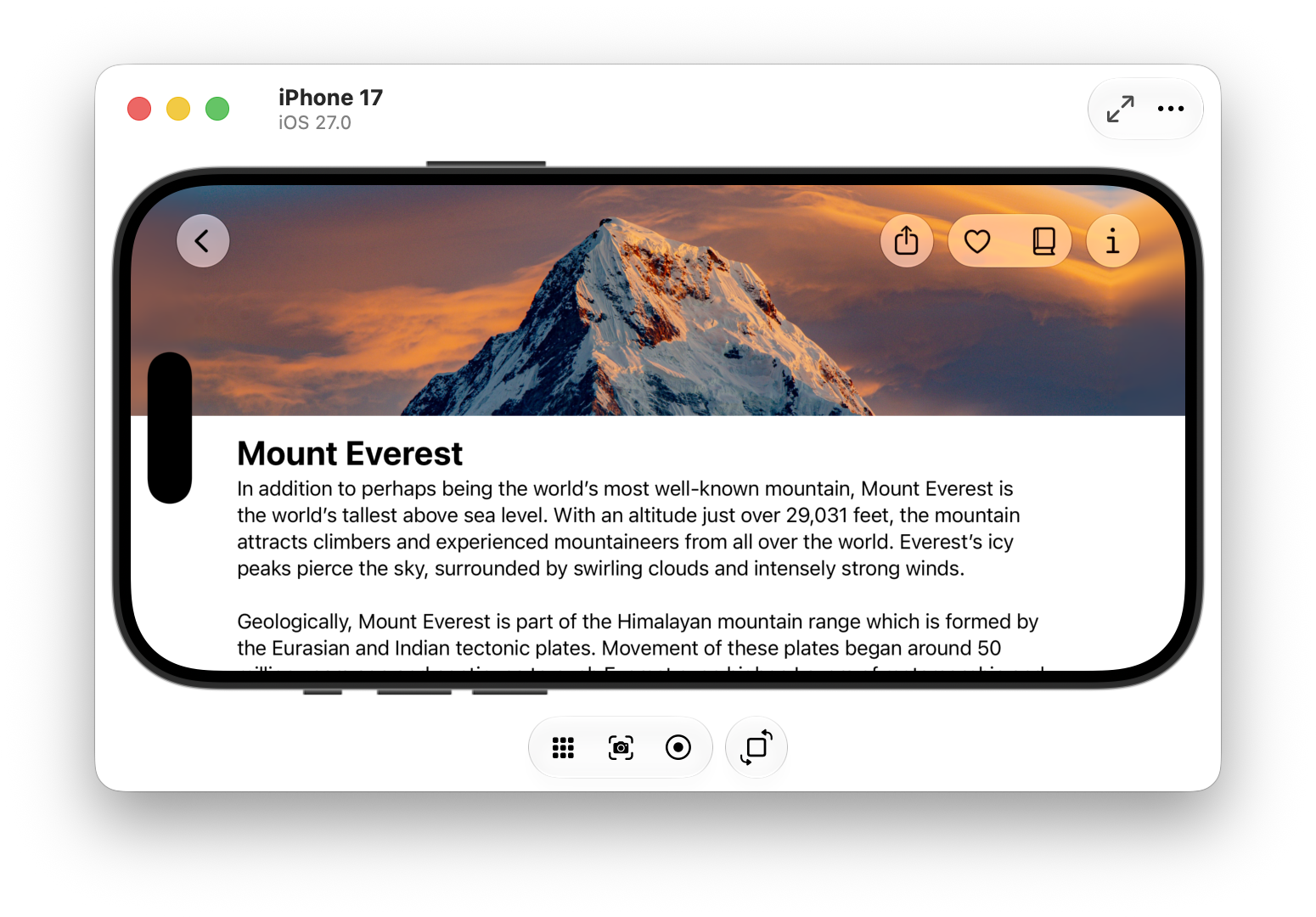
Try larger text in the simulator’s accessibility controls or your iPhone’s settings. Check light and dark appearance where your app supports them. Labels should still fit, controls should stay usable and the main action should remain clear.
 View larger
A message for Codex
Review the current screen of my first iPhone app for someone who understands iPhones but is not technical. Make the next action clear, use native SwiftUI patterns, improve spacing and support Dynamic Type and VoiceOver labels. Keep the existing behaviour. Explain the design change first, implement the smallest useful improvement and tell me how to check it with larger text.
What you should see
You can find the main action quickly, read the screen comfortably and still use it with larger text.
A couple of words, explained
- Dynamic Type
- Apple’s system for making app text follow the size a person chooses.
- VoiceOver
- The iPhone feature that reads out the screen and lets someone navigate by touch and sound.
If you get stuck
Checked 7 September 2026. Screens can change; the official guides below have the latest steps.
Apple’s design guidanceRun on a simulator or device