Make one action work
Make one button do one useful thing.
Complete a small action in the app and check the result.
Let’s do this
- 1In Codex
Choose the main action
Use your first-version checklist. Say exactly what happens before the action, what the person enters or taps, and what should happen afterwards.
- 2In Codex
Ask for a small change
For an Add action, describe the fields, Save button and Cancel button. Ask Codex to prevent empty entries and keep the screen understandable. Avoid adding a second unrelated feature in the same request.
- 3In Xcode
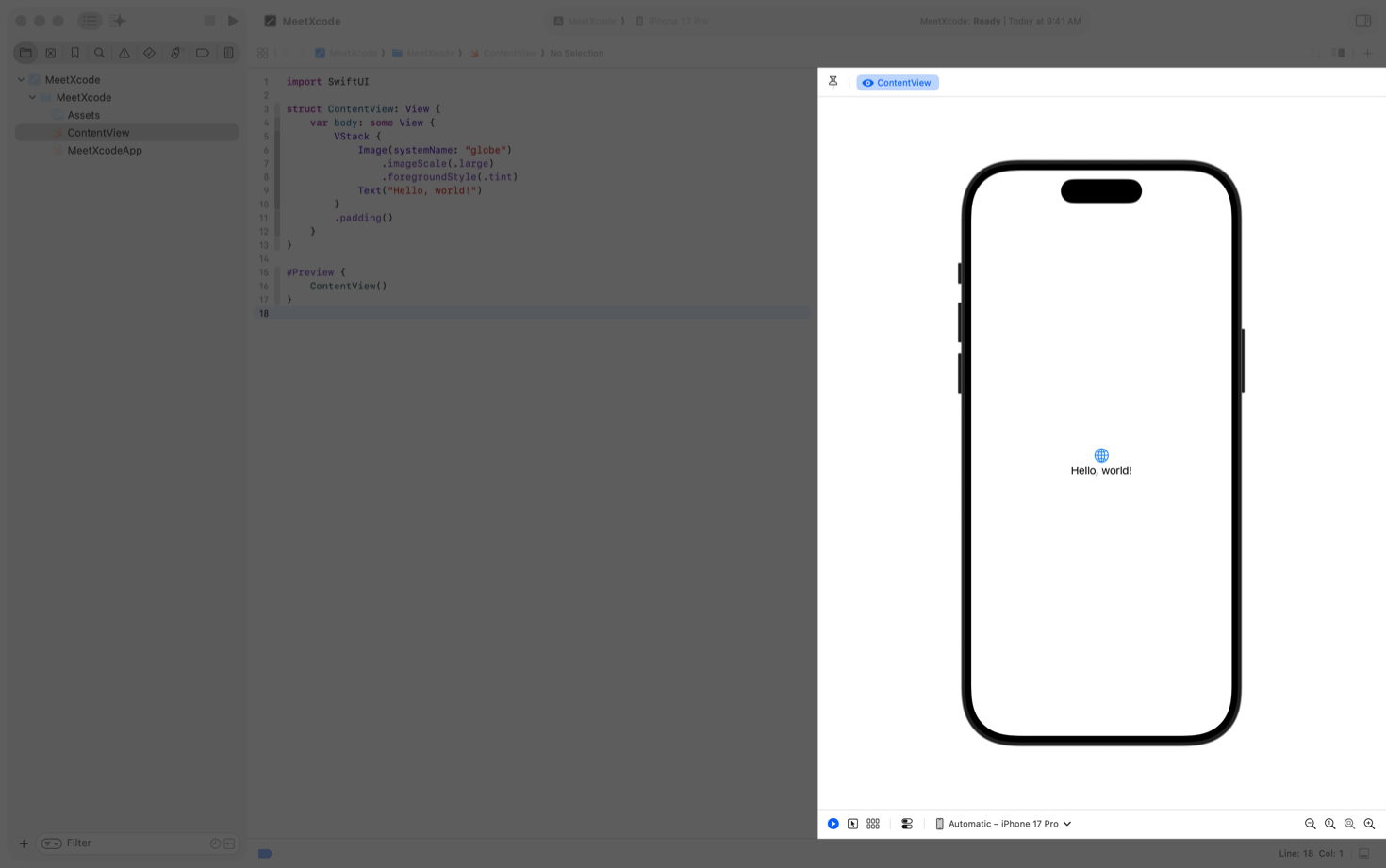
Run the updated app
In Xcode, press Run again. Try a normal entry. Then cancel an entry and try submitting an empty one. A button that looks right but does nothing is not finished.
- 4In Codex
Describe the result
Tell Codex what you expected and what happened. If a record disappears after closing the app, note that separately; the saving lesson makes records last between launches.
 View larger
A message for Codex
In my first iPhone app, implement the first useful action from our plan for [describe the problem my app should solve]. Use the smallest complete interaction. Include a clear way to save and cancel, and a helpful response to empty or invalid input. Do not add unrelated features. Build-check it and give me three taps or actions I can use to verify it in the simulator.
What you should see
You can complete the main action, cancel it safely and understand what happens when information is missing.
If you get stuck
Checked 7 September 2026. Screens can change; the official guides below have the latest steps.
Run on a simulator or deviceApple’s design guidance