Write a simple test checklist
Testing means trying the things a real person will do and checking the result.
Have a short checklist you can repeat after every change.
Let’s do this
- 1In Codex
Write down the normal journey
Start with your definition of done. List opening the app, doing its main job and seeing the expected result. Use your own words, such as “Add a plant and see it in my list”.
- 2In Codex
Add the awkward cases
Try an empty field, a long name, cancelling, deleting and reopening the app. If the app uses the internet, include no connection. If it has accounts, include signing out and trying another user.
- 3In Codex
Try different viewing conditions
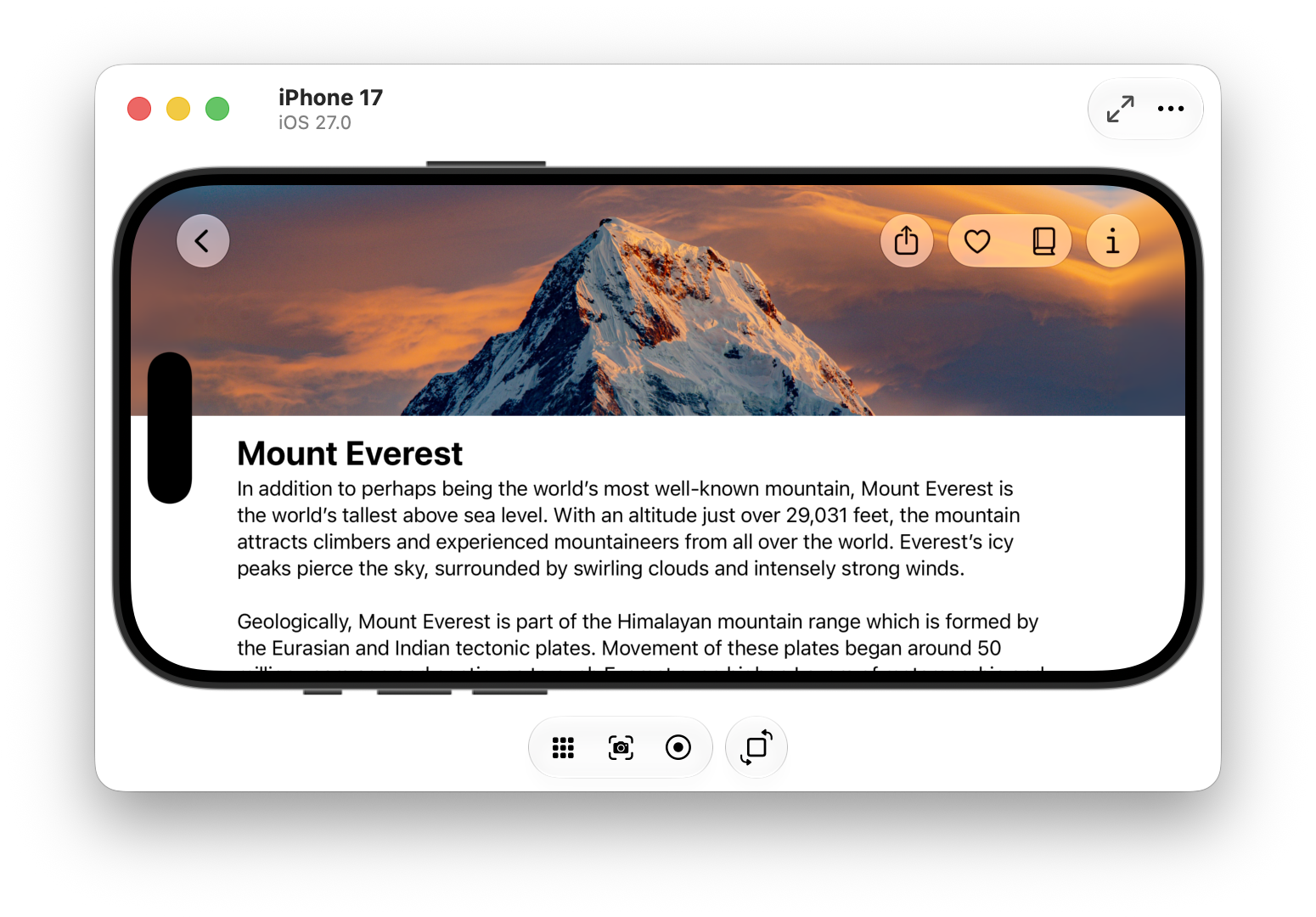
Use a small and a large iPhone simulator. Increase text size, try VoiceOver and check any light or dark appearance your app supports. Make sure the keyboard does not cover the Save button.
- 4In Codex
Ask Codex for repeatable checks
Codex can write automated tests for important behaviour, such as saving a record or enforcing access rules. Ask it to run them and explain the result. Still try the app yourself: a passing code test cannot tell you whether the screen feels clear.
 View larger
A message for Codex
Create a short, plain-English test checklist for my first iPhone app. Its main job is [describe the problem my app should solve] and its starting features are [choose up to three small features]. Include the normal journey, empty and long input, cancel/delete, persistence, larger text and relevant offline or account cases. Add meaningful automated checks for important behaviour, run them and report what passed, failed or could not be tested.
What you should see
You have a checklist with a clear expected result for each action. You know which checks you will repeat after changes.
If you get stuck
Checked 7 September 2026. Screens can change; the official guides below have the latest steps.
Run on a simulator or deviceApple’s design guidanceApple’s App Review guidance