Enrol and verify your identity
Apple checks who is responsible for each app. Do this part yourself, using your real name and address.
Have an active Apple Developer Program membership.
Apple’s identity checks and membership activation are separate from lesson time. Timing varies.
Let’s do this
- 1On your Mac
Open Apple’s enrolment page
Follow the official link and sign in with the Apple Account you plan to use in Xcode. Choose the way Apple offers to enrol in your country. Ignore companies that offer to enrol on your behalf for a fee.
Apple Developer enrolment (opens a new tab) - 2On your Mac
Check the account and identity details
Confirm two-factor authentication is on. Enter your legal name, contact details and address accurately. If Apple requests identity evidence, supply it directly to Apple. Do not paste ID documents or payment details into Codex.
- 3On your Mac
Read the agreement and annual price
Choose individual unless you are enrolling an eligible legal organisation. Read the membership agreement and renewal terms. Pay only when the seller identity and local annual charge are right.
- 4In Xcode
Wait for activation, then check Xcode
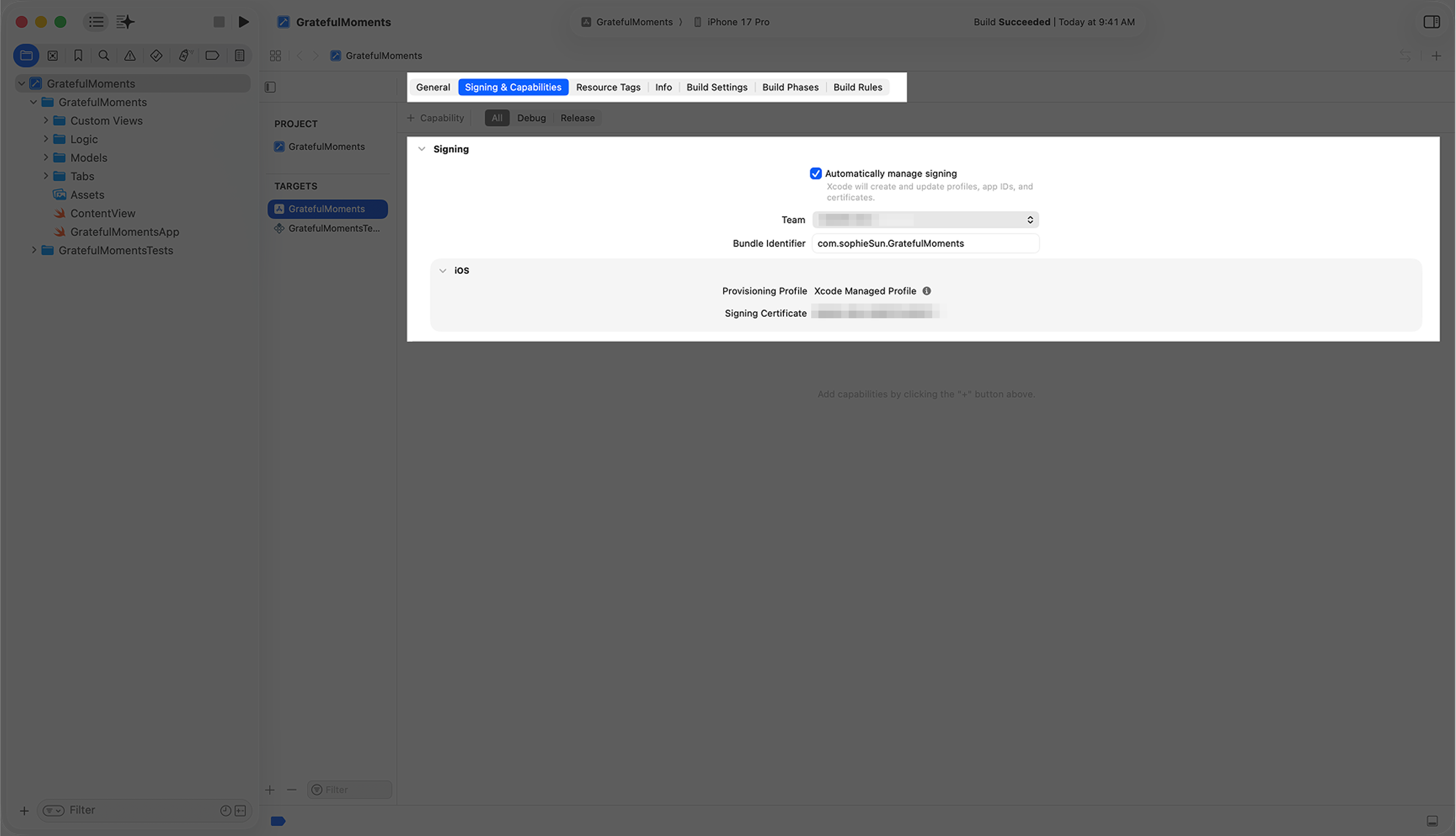
Follow any verification email. Once Apple confirms your membership is active, open Xcode → Settings → Accounts, select your Apple Account and check that the paid team now appears. Account changes can take a while to arrive.
 View larger
A message for Codex
Give me a short checklist for checking that my paid Apple developer team is available in Xcode for my first iPhone app. Explain the difference between Personal Team and the enrolled team. I will handle identity checks, agreements and payment myself.
What you should see
Apple confirms your membership is active, and Xcode shows your enrolled team.
If you get stuck
Checked 7 September 2026. Screens can change; the official guides below have the latest steps.
Apple Developer enrolmentApple’s free developer account