Turn feedback into a better app
Ask people to try a few real tasks, then listen for what stopped them. Fix the most important problem before adding more features.
Collect useful feedback and distribute an improved build.
Let’s do this
- 1On your Mac
Give each tester a small task
Ask them to complete the app’s main job without explaining every tap. For example, “Add a plant and find it again.” Ask what they expected, what happened and which screen was confusing.
- 2On your Mac
Collect the evidence
Ask for the app’s build number, iPhone model, iOS version, steps and a screenshot with private information covered. TestFlight also lets testers send feedback, including from a screenshot. Look in your app’s TestFlight feedback area.
- 3In Codex
Fix one problem and check it
Paste a clear report into Codex. Ask it to reproduce the problem and make a small fix. Run the failing task again, then repeat your main checklist to make sure something else did not break.
- 4In Xcode
Upload the next build
Increase the build number in Xcode, archive and upload again. Wait for processing, add the build to the external testing group and complete any required review. Tell testers what changed and ask them to repeat the failed task.
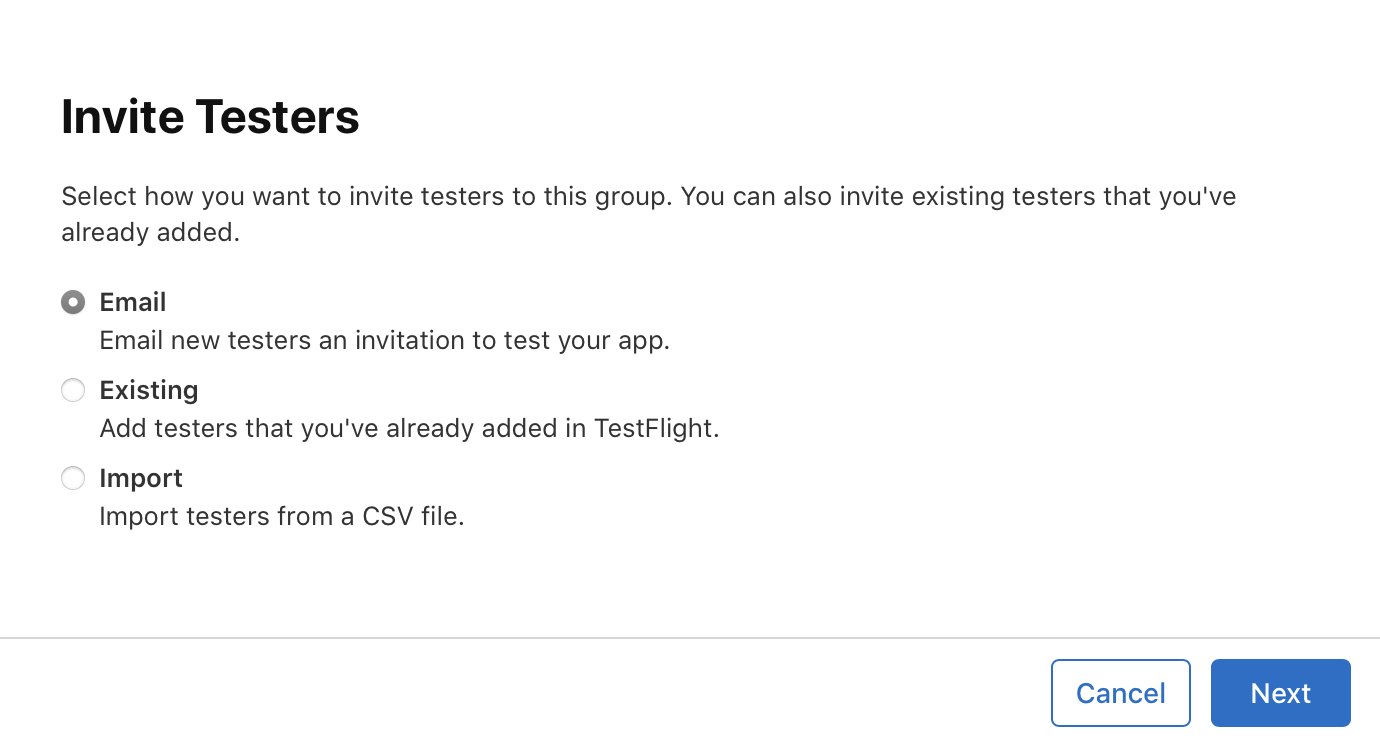 View larger
A message for Codex
Help me fix one tester report for my first iPhone app. Expected: [what should happen]. Actual: [what happened]. Steps: [numbered taps]. Device and iOS: [details]. Build: [number]. First identify likely causes and how to reproduce it. Make the smallest justified fix, then give me checks for both the fix and the main app journey.
What you should see
The tester can repeat the original task successfully in the new build.
If you get stuck
Checked 7 September 2026. Screens can change; the official guides below have the latest steps.
TestFlight overviewInvite external TestFlight testersUpload a beta app