Test it away from your Mac
Your real phone can reveal things a virtual one misses.
Test the app in everyday use and understand the temporary installation.
Let’s do this
- 1On your iPhone
Use it without Xcode watching
Stop the run in Xcode. Disconnect the cable and open the app from the phone’s Home Screen. Try the main journey with your fingers, the keyboard and the phone held normally.
- 2On your iPhone
Check the things that use real hardware
Try anything that uses the phone itself: camera, photos, sound, or anything that asks permission. Refuse a permission once and see what the app says. A virtual iPhone cannot copy every part of a real one, and it will not show you how fast the app really feels.
- 3On your iPhone
Check everyday interruptions
Lock and unlock the phone, switch to another app and return, then close and reopen your app. For online features, try losing and restoring connectivity. Confirm that important records are still present.
- 4On your iPhone
Know why a free build can stop opening
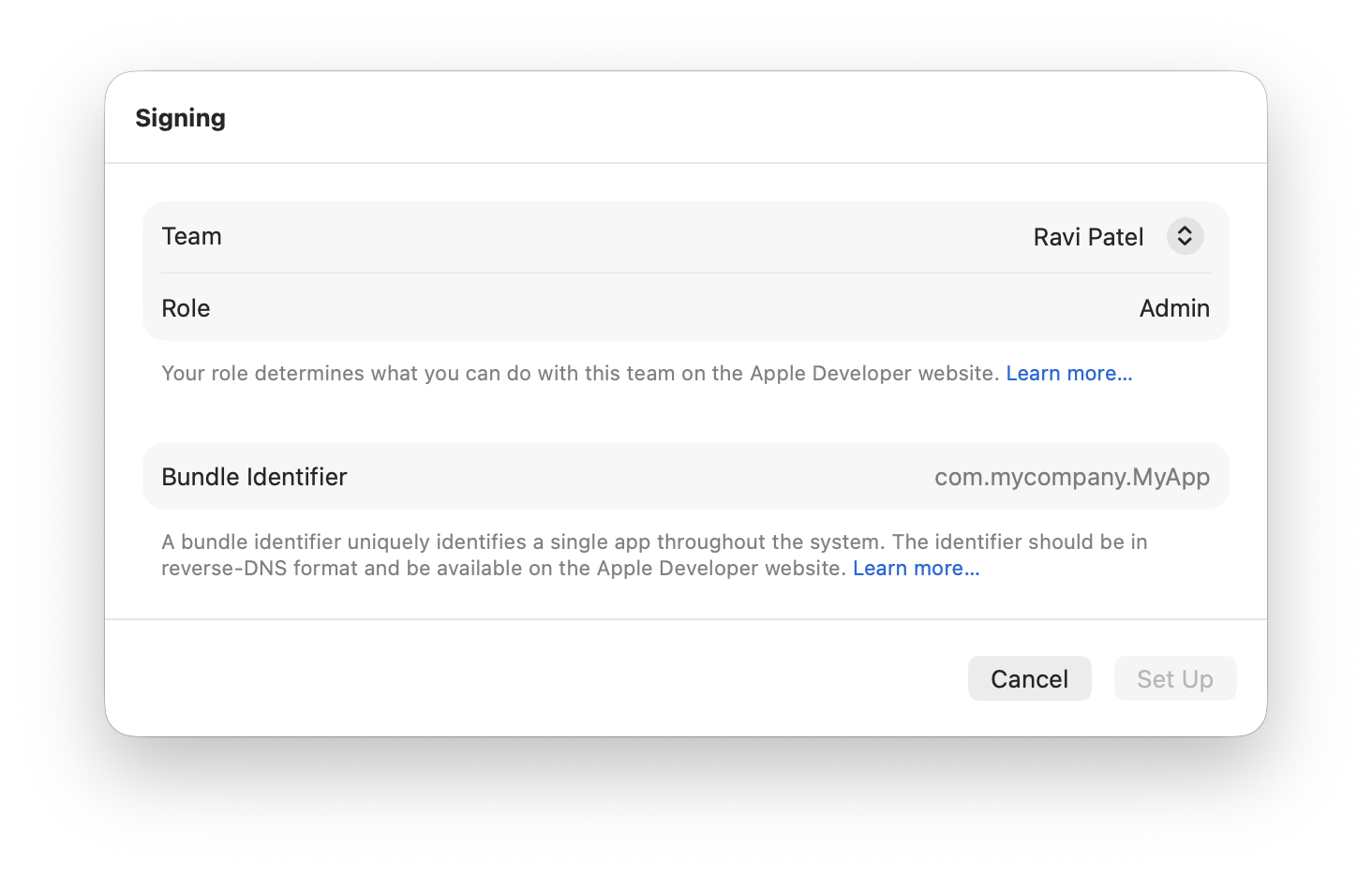
Personal Team signing expires after seven days. Reconnect the same phone, open the same project and run it again through Xcode. Avoid deleting the app first if you want to keep its local records. This temporary test installation is separate from App Store distribution.
 View larger
A message for Codex
Help me test my first iPhone app on my real iPhone, launched from the Home Screen without the Xcode debugger. Cover the main journey, keyboard, larger text, permissions relevant to this app, interruptions and saved data. If a free test build has expired, guide me through rebuilding and reinstalling with the same app identity, preserving local records where possible.
What you should see
The app works when launched on its own, and you know to reinstall a free test build from Xcode when its signing expires.
If you get stuck
Checked 7 September 2026. Screens can change; the official guides below have the latest steps.
Run on a simulator or deviceApple’s free developer account