Let people delete their account
If your app lets people make an account, Apple requires a way to delete it from inside the app. Signing out, or hiding a profile, is not deleting.
Delete a test account, its information and its Apple sign-in connection.
Use throwaway test accounts. Deleting is permanent, unless you have deliberately built and written down a way to undo it.
Let’s do this
- 1In Codex
Decide what deleting actually removes
Write a list: the person’s own records, any files they uploaded, anything they added to a shared list, and their account details. Decide what goes, what you keep and why, and what happens to shared things other people still need. Say all of this in your privacy policy and on the confirmation screen.
- 2In Codex
Build a deletion that only the owner can run
Ask Codex for a small piece of code that runs online, Supabase calls this an Edge Function, which checks who is asking and then deletes only that person’s account and data. Keep any admin key or password in the server’s own secret settings, never in the app’s code.
- 3In Codex
Disconnect Sign in with Apple too
Ask Codex to follow Apple’s process for cutting the Apple sign-in connection as part of deleting an account. If that needs an Apple signing key, create it in your developer account and keep it in the server’s secret settings. Follow the official guide and test the whole thing. Deleting the Supabase user does not by itself disconnect Apple.
Offering account deletion (opens a new tab) - 4On your iPhone
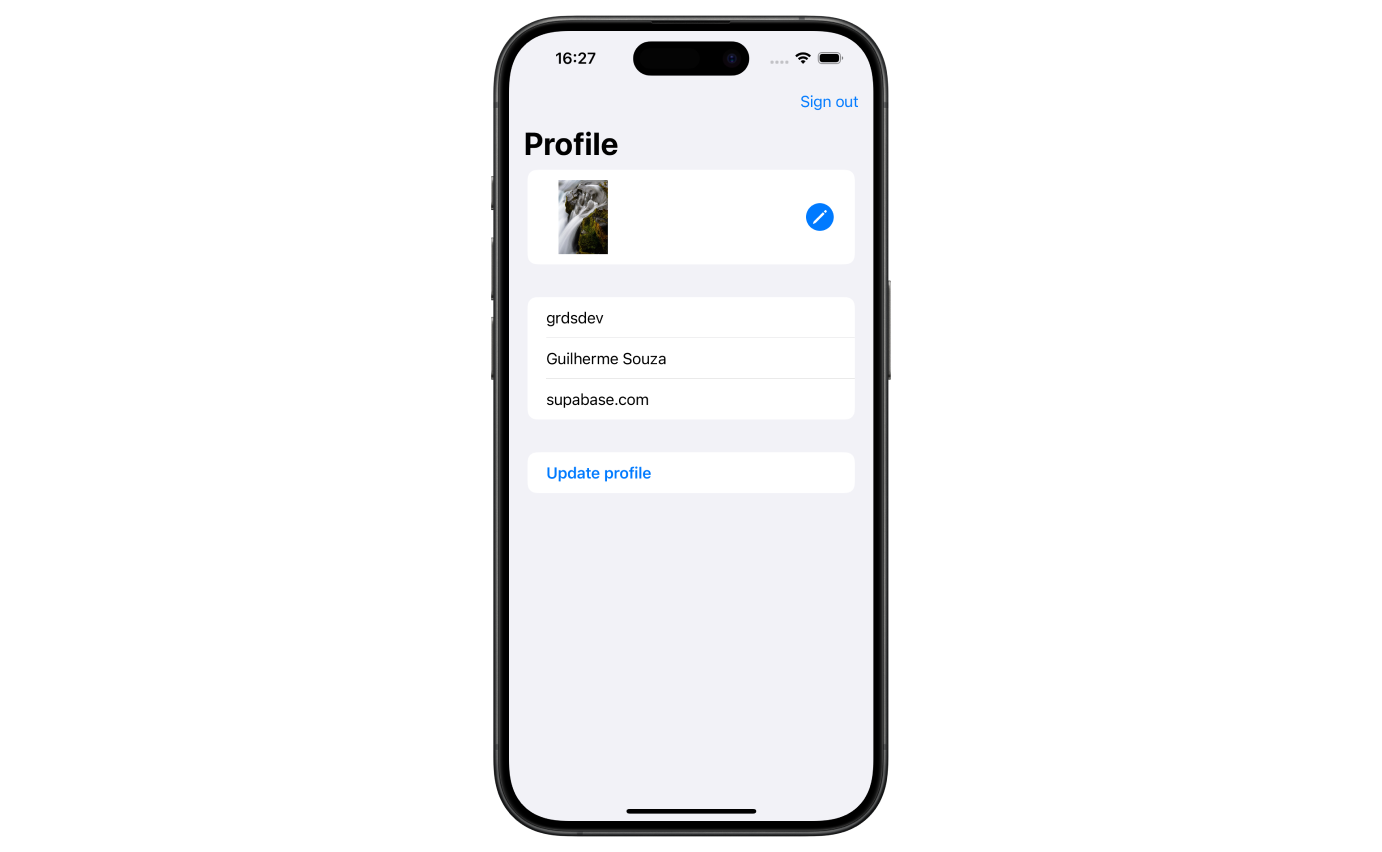
Add the button and test it
Put a clear Delete account action in Settings, with a confirmation that says what will be lost. Test it with a throwaway account: check the records and files went as promised, then sign in again and confirm the deleted information does not come back. If deleting fails, show a helpful message and let the person try again safely.
 View larger
A message for Codex
Implement account deletion in my first iPhone app with a clear in-app entry and confirmation. Inventory database rows, storage files, shared contributions and retention duties first. Use an authenticated server function that verifies the user independently and cannot delete another user. Keep admin and Apple signing secrets only on the server. Follow Apple’s token-revocation guidance, clean up files as well as records, invalidate sessions, and make failure/retry handling safe. Give me a disposable-account verification checklist.
What you should see
The test account is gone as promised, its Apple connection is disconnected, and nobody can use this button to delete someone else.
A couple of words, explained
- Edge Function
- A small piece of your code that runs online rather than on the phone.
- Revoke
- To cut a connection you granted earlier, so it stops working.
If you get stuck
Checked 7 September 2026. Screens can change; the official guides below have the latest steps.
Offering account deletionApple’s App Review GuidelinesSign in with Apple in Supabase