Save records and control who can see them
Being signed in is not enough to protect information. The online store must check which records each person is allowed to read or change.
Save a record with database rules that enforce the intended access.
Let’s do this
- 1In Codex
Write the access rules in plain English
For each kind of record, say who can create, read, edit and delete it. Start with “only its owner”. If people share a list, define members and what each member may do. A stranger should have no access.
- 2In Codex
Ask for the smallest database change
Ask Codex for the tables and access policies plus a plain-English explanation. Row Level Security, or RLS, is a database lock that checks access to each record. It must apply to every exposed personal table and to uploads if used. Save a checkpoint before changing an existing database.
- 3On your Mac
Apply and inspect the rules
In Supabase’s SQL Editor, review the generated migration, which is a recorded database change, and run it on your test project. Check that RLS is enabled. Do not accept “allow everyone” as a shortcut. Ask Codex to explain the owner and membership checks, including new records and edits.
- 4In Codex
Connect the first save action
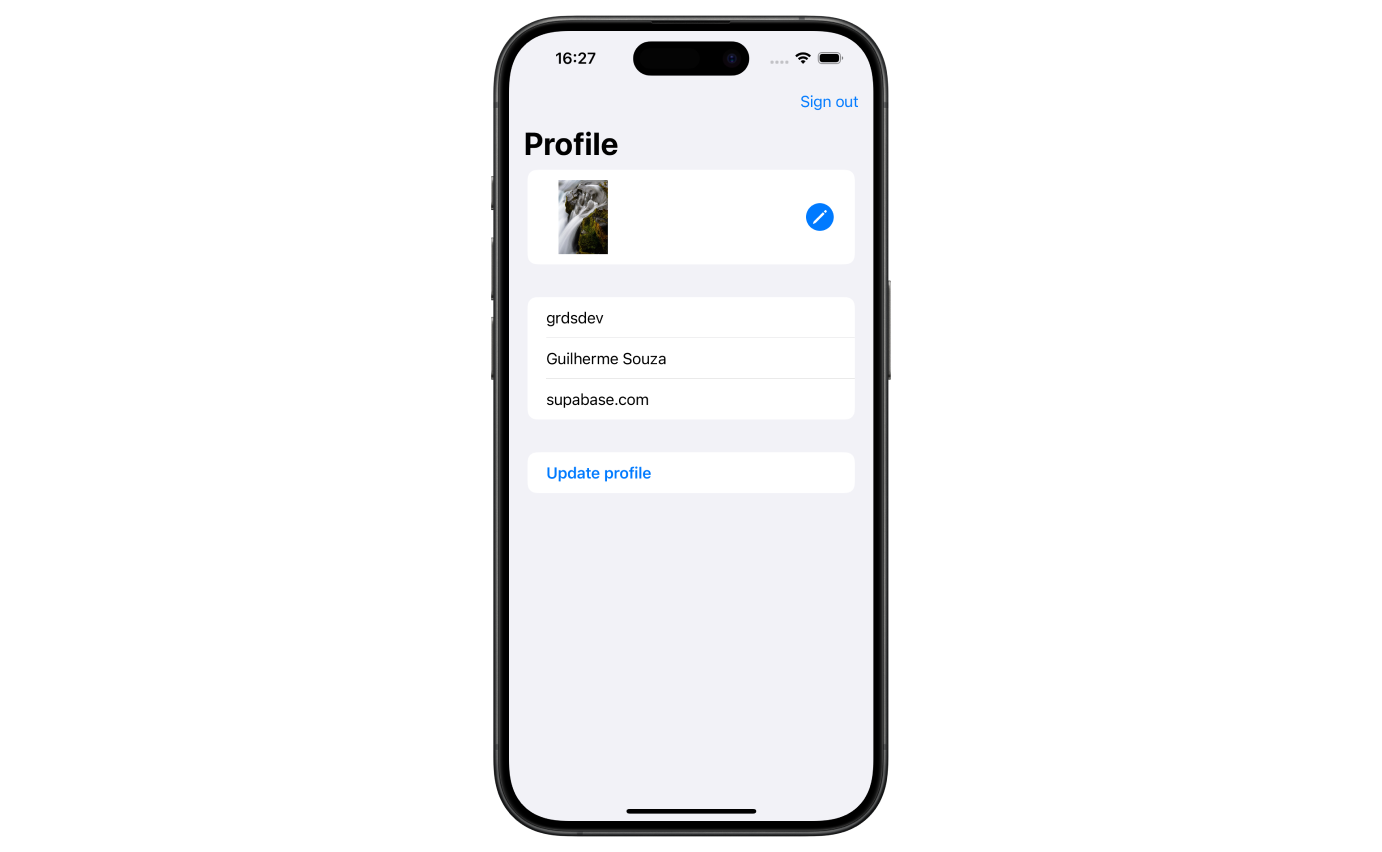
Ask Codex to save a record for the signed-in user, show a real saving state and display errors. Reopen it from the service. Show success only after the save is confirmed. Keep one user’s cached information out of another user’s session.
 View larger
A message for Codex
For my first iPhone app, first ask me who may create, read, edit and delete each record. Design minimal Supabase tables and deny-by-default RLS policies for signed-in users. Enforce owner IDs and any shared-group membership on the server, including insert/update WITH CHECK rules and storage access. Prevent users adding themselves to another group. Give me a reviewed migration and rollback considerations, then wire up one save action. Use the public client key and user session, never a service-role key in the app.
What you should see
A signed-in user can save and reopen a permitted record. The rules are ready for hostile-access tests in the next lesson.
If you get stuck
Checked 7 September 2026. Screens can change; the official guides below have the latest steps.
Control access to Supabase recordsConnect a Swift app to Supabase