Build the first screen
Turn a small part of your idea into something you can see.
Have a first screen that matches the agreed plan.
Let’s do this
- 1In Codex
Ask for the first screen only
Use the plan you approved. Tell Codex the title, main content and main button you want. Ask it to use normal iPhone controls so text sizes, spacing and navigation behave in familiar ways.
- 2In Codex
Let Codex work in the project
Codex will edit files. Read any access request and approve only what fits this work. You do not need to paste its code into Xcode manually if it is already changing the correct project folder.
- 3In Codex
Read its handover
Ask which files changed and whether it checked that the project builds. A message saying “done” does not prove the screen works. Ask for the build result and the step you should take next.
- 4In Codex
Open the project in Xcode
Bring Xcode to the front. It usually notices saved file changes. If the preview on the right is paused, resume it if available. The next lesson uses the full simulator, so a paused preview is not a reason to start another project.
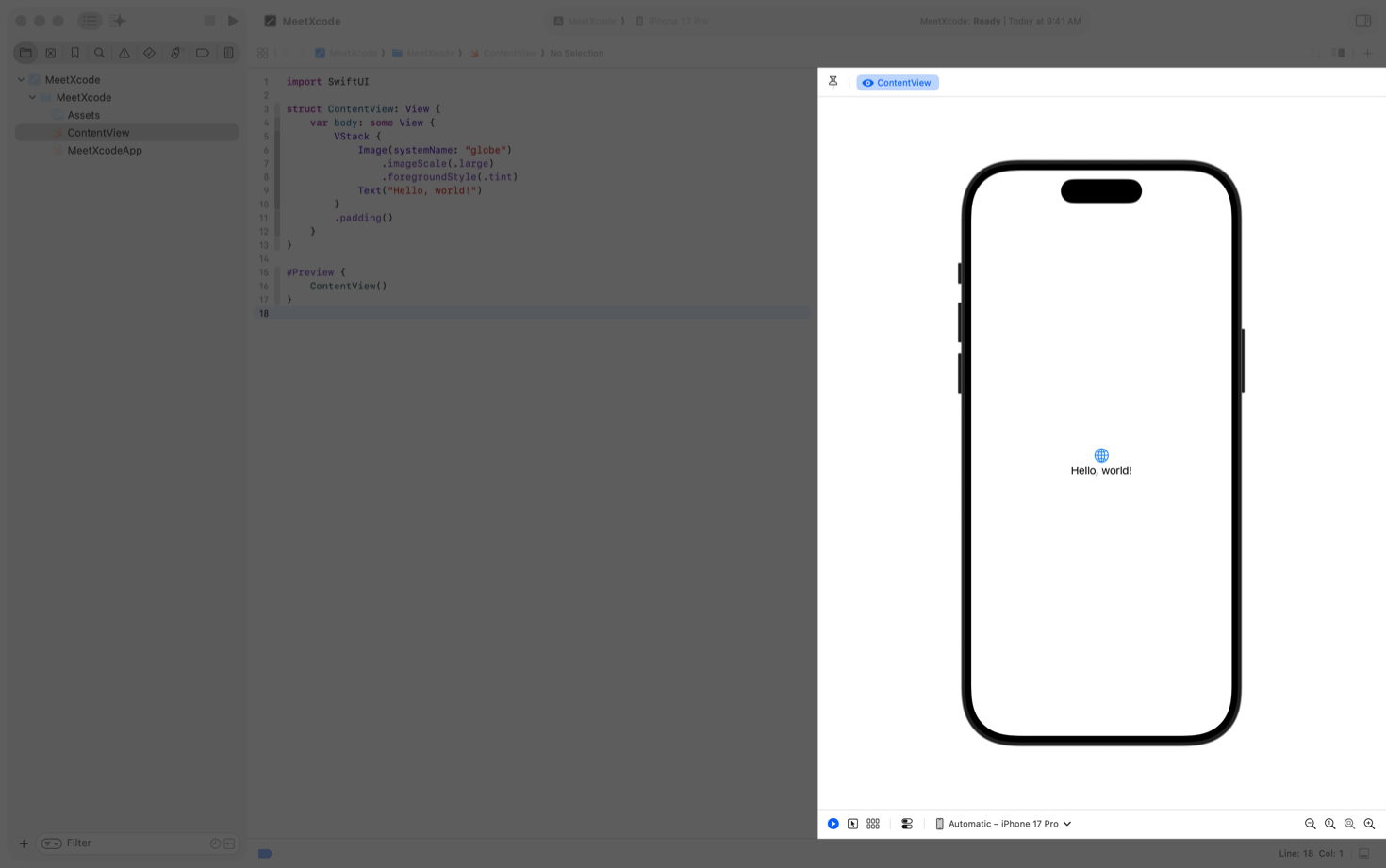 View larger
A message for Codex
Implement only the first screen of my first iPhone app using the plan we agreed. Its purpose is [describe the problem my app should solve]. Use native SwiftUI controls, readable text and one clear main action. Keep any sample records clearly labelled as examples. Work in the existing project. Build-check your changes and tell me the result, the files changed and exactly how to see the screen in Xcode. Do not add extra features yet.
What you should see
The project contains the new screen and Codex has reported whether the build check passed. You are ready to run it in the simulator.
If you get stuck
Checked 7 September 2026. Screens can change; the official guides below have the latest steps.
Create an iPhone projectRun on a simulator or device