Open the same folder in Codex
Xcode and Codex must work on the same app, in the same folder.
Let Codex read the existing project without creating a second copy.
Let’s do this
- 1In Codex
Find the folder you just saved
In Finder, locate the folder containing your .xcodeproj file and the app’s source files. Choose the enclosing project folder, not one individual Swift file and not the Xcode application.
- 2In Codex
Open that folder as a project
In the desktop app, use the option to add or open a project folder. Select the existing folder. Choose local work on your Mac when offered a choice; this course does not need a cloud coding environment or GitHub setup.
- 3In Codex
Send a read-only first message
Ask Codex to inspect the project and describe what it found. Tell it not to create or change files yet. Check that the app name and folder it describes match Xcode.
- 4In Codex
Keep permissions tied to the job
When Codex requests access, read what it wants to do and why. Access to this app folder is expected. If a request mentions deleting files, spending money or an unrelated folder, ask for an explanation before allowing it.
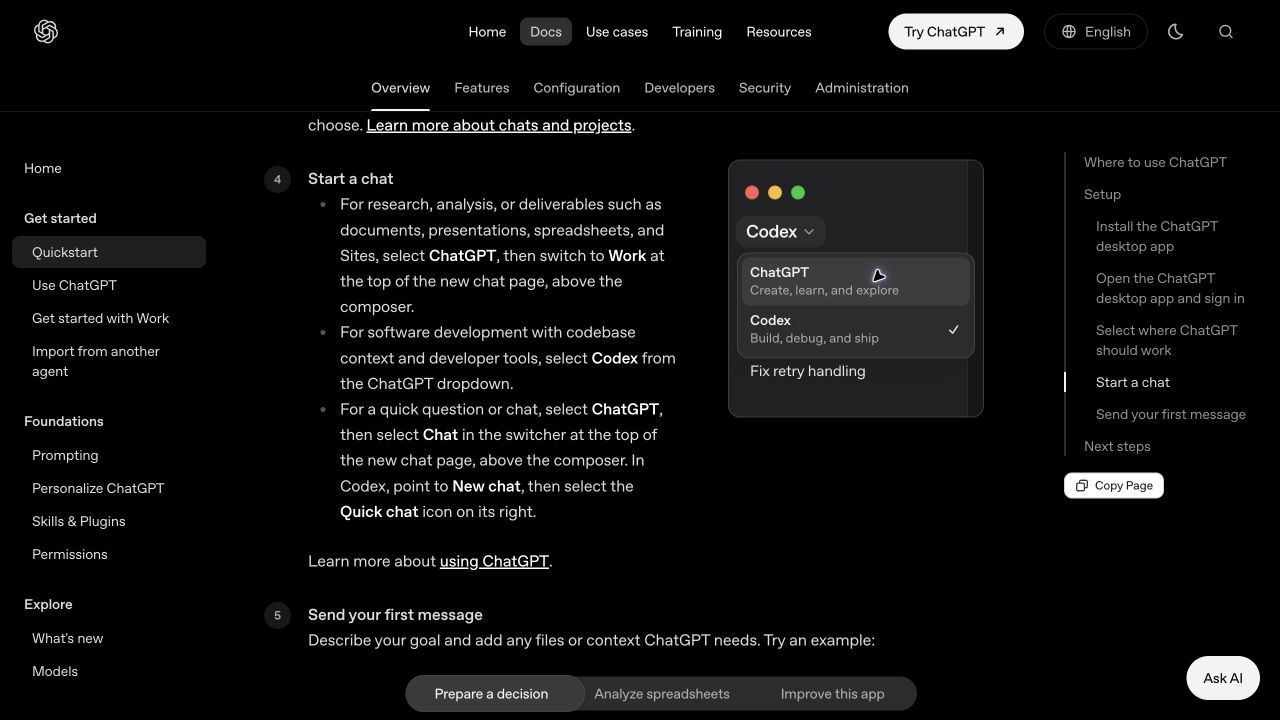 View larger
A message for Codex
Inspect the existing Xcode project in this folder for my first iPhone app. Do not create or edit files yet. Tell me the app name, the project file you found, and the next three steps to run its starter screen in the iPhone simulator. Use plain English. If this is not an Xcode project folder, stop and explain what I should select.
What you should see
Codex identifies the same project you see in Xcode. Both tools point to one folder.
If you get stuck
Checked 7 September 2026. Screens can change; the official guides below have the latest steps.
Projects in CodexOfficial Codex setup