Release your app and keep it working
Release is the beginning of looking after your app. Start small, check the live version and keep an easy way for people to get help.
Release the approved app and make a simple maintenance routine.
Availability after release can take time. Future updates go through Apple’s review too.
Let’s do this
- 1On your Mac
Release when the approved version is ready
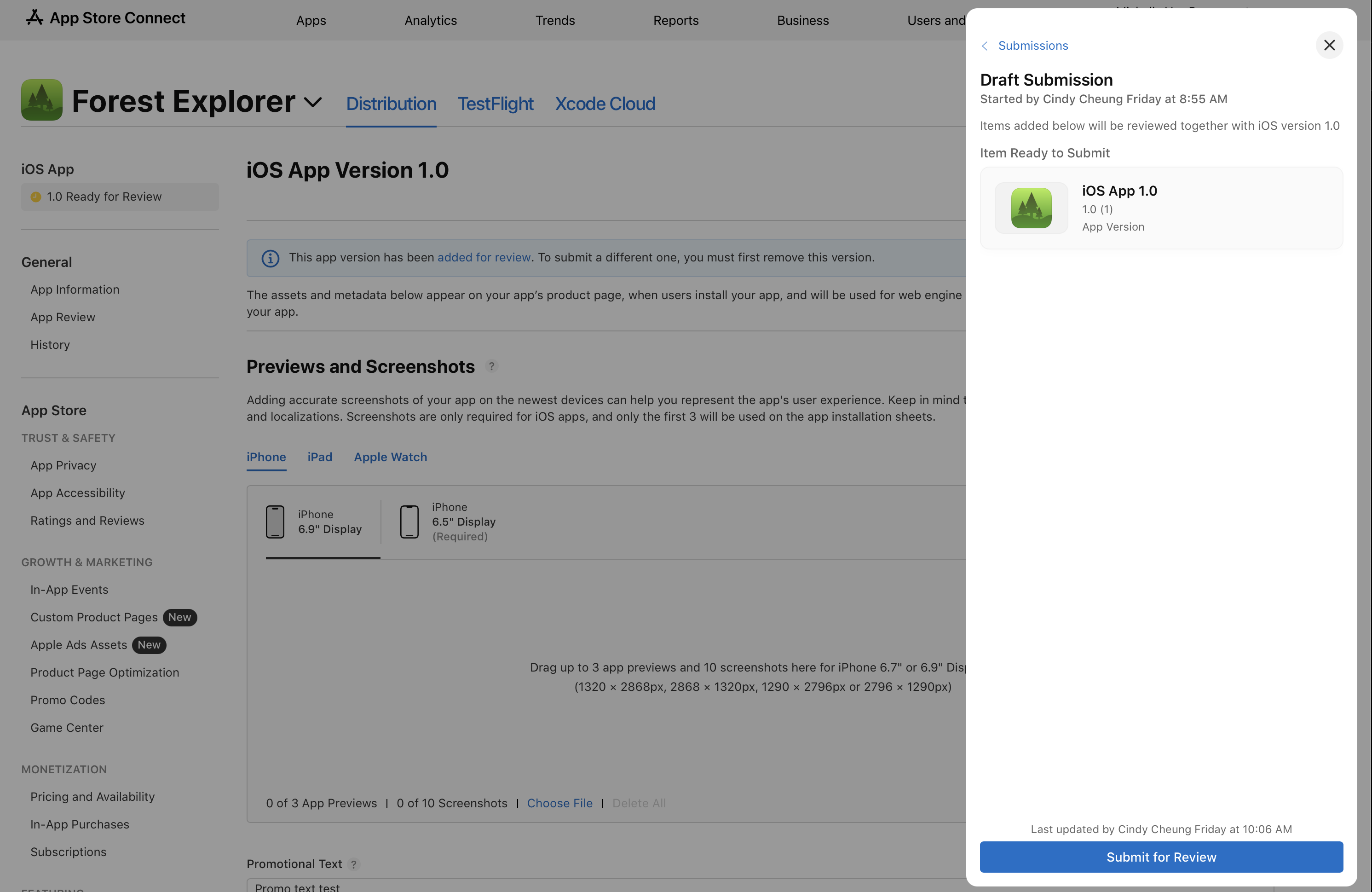
If you chose manual release, wait for Pending Developer Release, open the version in App Store Connect and use its release control. Check the selected countries and free price before confirming. Automatic release follows the option you previously chose.
Choose how to release an app (opens a new tab) - 2On your iPhone
Check the App Store version
Once it is available, open the public listing on your iPhone. Install the released app, try the main job, check saved data and open the support and privacy links. Store availability can take time to spread.
- 3On your Mac
Keep a useful record
Save the release’s working checkpoint, version and build number. Keep the support email working, watch crash reports and user feedback, check online-service usage and backups, and note the annual Apple membership renewal. Do not leave a shared service paused.
- 4In Codex
Ship a tested update
Ask Codex for one clear improvement or fix. Test it against old saved information as well as fresh installs. Increase the version for a new App Store release and the build number for each upload. Use TestFlight, update release notes and any changed declarations, then submit the new version for review.
 View larger
A message for Codex
Create a short maintenance checklist for my first iPhone app: support messages, crash reports, saved-data compatibility, privacy changes, service usage and backups, and Apple membership renewal. For my next update, explain the smallest change, tests on an existing installation and a fresh install, version/build updates, TestFlight checks and App Review steps.
What you should see
Your approved app is available in your chosen regions, and you have a repeatable way to maintain it.
If you get stuck
Checked 7 September 2026. Screens can change; the official guides below have the latest steps.
Choose how to release an appApple’s App Review guidanceTestFlight overview